Description & Screenshots
Download Software for Windows
Download the latest version of Rapid-Mosaic here. It is included in the installation package of the Foto-Mosaik-Edda software, currently available only in German and for Windows.
The program comes with an installer that conveniently installs it on your hard drive. If you no longer need the program, you can easily remove it with the included uninstaller.
Create Mosaic Image
Rapid-Mosaic offers a very user-friendly interface. You only need to provide four details to create a mosaic image:
- The input image from which the mosaic image will be created.
- The print size. Based on this information, Rapid-Mosaic automatically determines the correct resolution, number of mosaic tiles, etc.
- The folder with the images to create the mosaic image. The more images available, the better the mosaic effect.
- The project file *.rap where the calculation results should be saved.
The calculation can then be started.

Image Preview with Selection
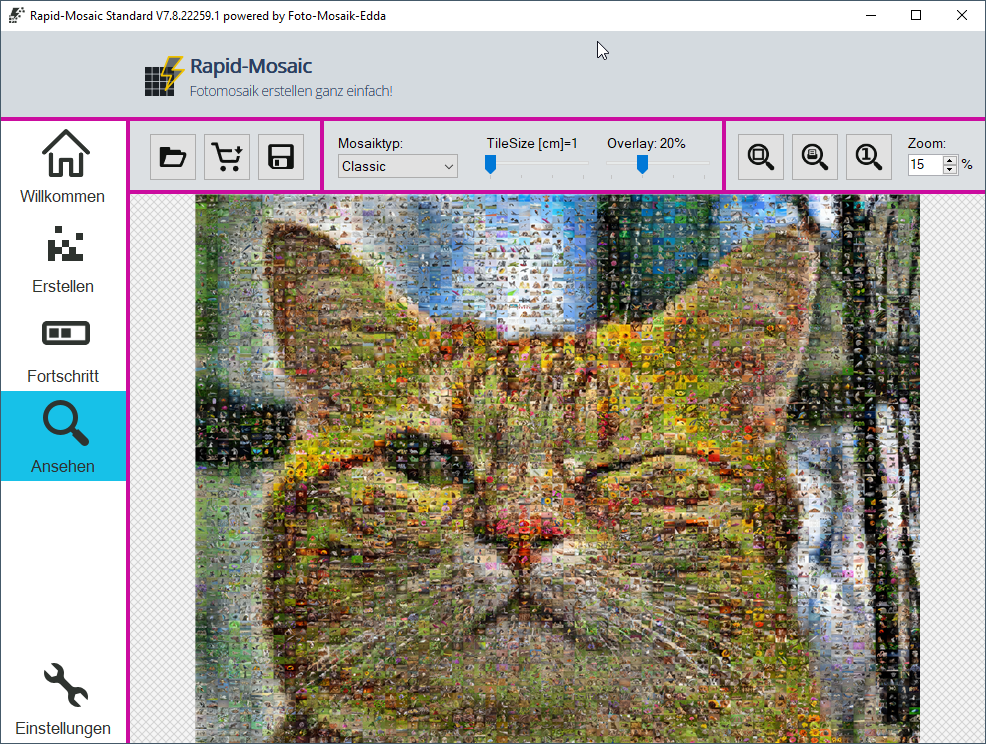
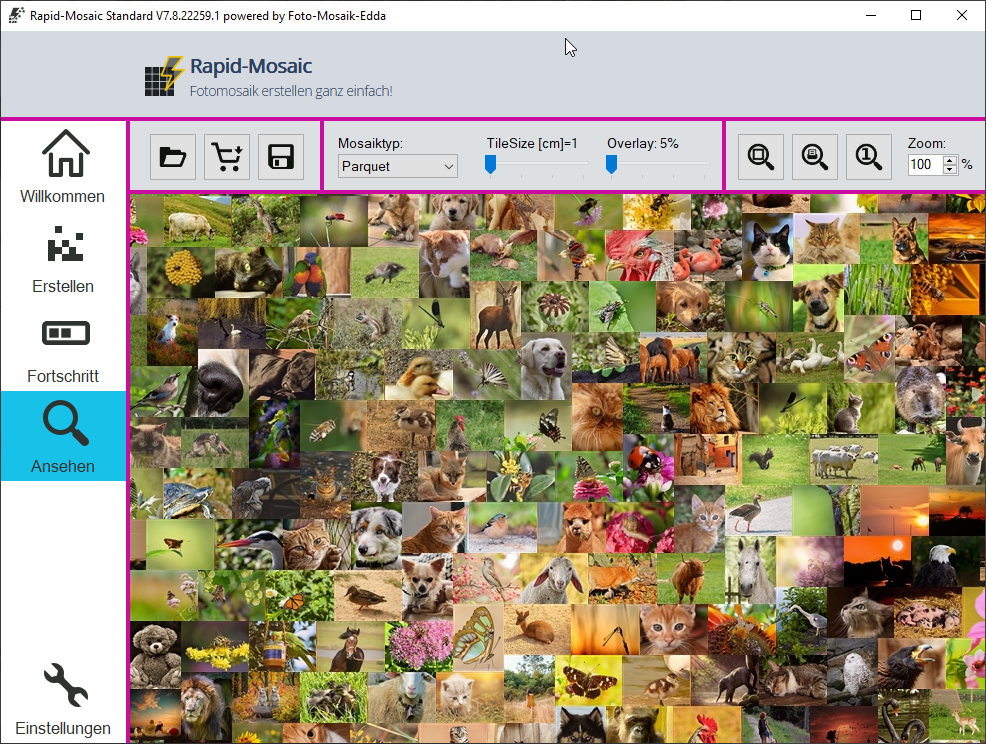
After the calculation is complete, the mosaic image preview will load. You can zoom into the mosaic image here. A print view can also be activated. In the print view, the size of the mosaic image is displayed on the computer monitor as it will appear on the poster/canvas later.
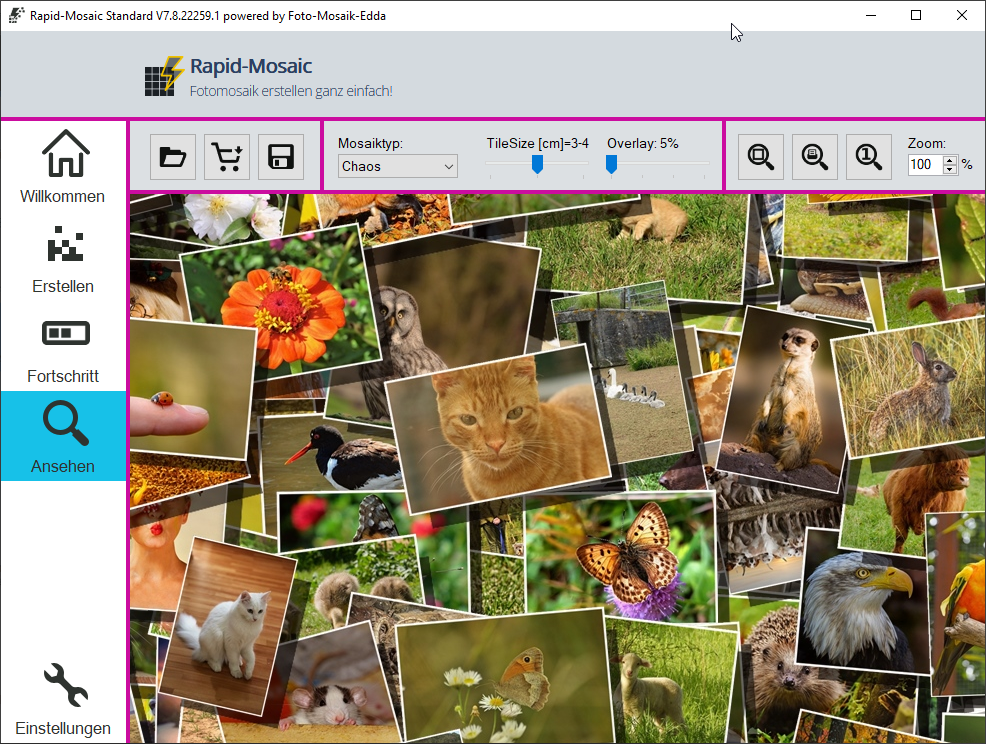
In the preview, various mosaic types such as Classic, Parquet, Chaos, or Detail can also be selected. The tile size and blending with the original image can be adjusted with a slider. The mosaic image does not need to be recalculated because different variants of the mosaic image have already been generated in advance.
Settings
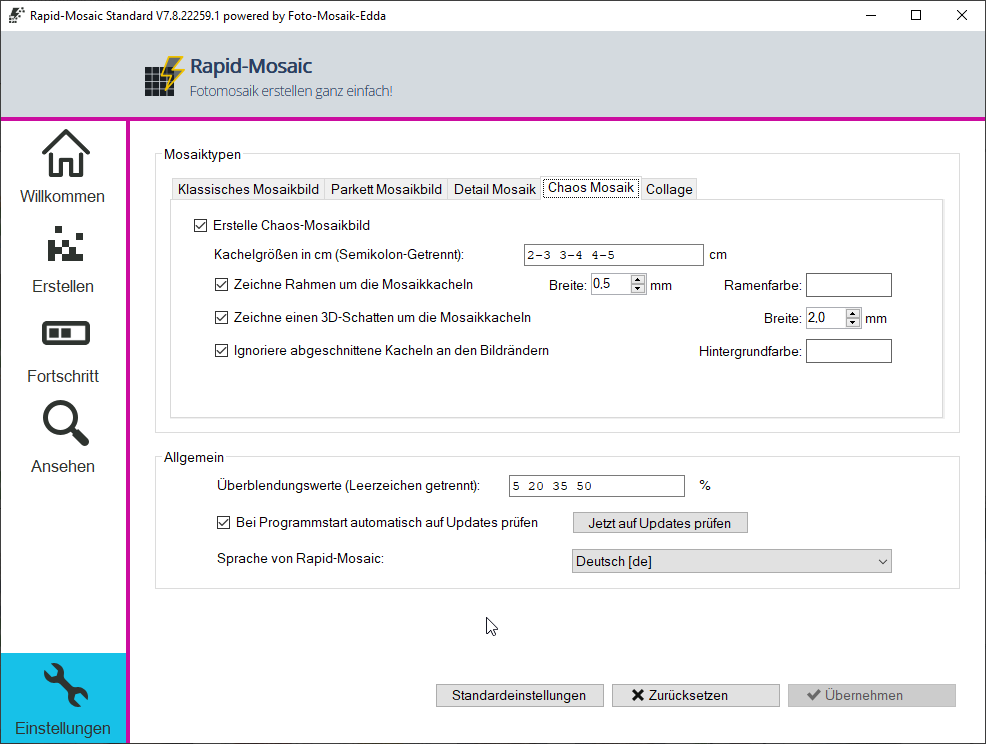
In the settings, professional users can configure which variants, sizes, and blends Rapid-Mosaic should calculate.
Customer Reviews
I chose this company (from several bidders) because there were greater opportunities for influence in the image design (highlighting the main image/clarity of the small individual images).
![Customer Photo by Rainer for Review Print Photo Mosaic [Online] Dibond 100x100cm](https://rapid-productive-images.s3.eu-central-1.amazonaws.com/2025-23/TF1ZzO9indmieeEimAMGWAxrEPlFSTIv/d0aa398c1a15e4451f32c128977a06cb/500.jpg)
![Customer Photo by Reinhard for Review Print Photo Mosaic [Software] Acrylic 50x75cm](https://rapid-productive-images.s3.eu-central-1.amazonaws.com/2025-22/EK6Q6UqE6Mv7n2TMDS8pcgn8k4juJCDa/8524231a0911c0179afaf802d70847f2/500.jpg)
Did You Know?
Our passion is photos and personalized print products. Check out our other creative gift ideas: